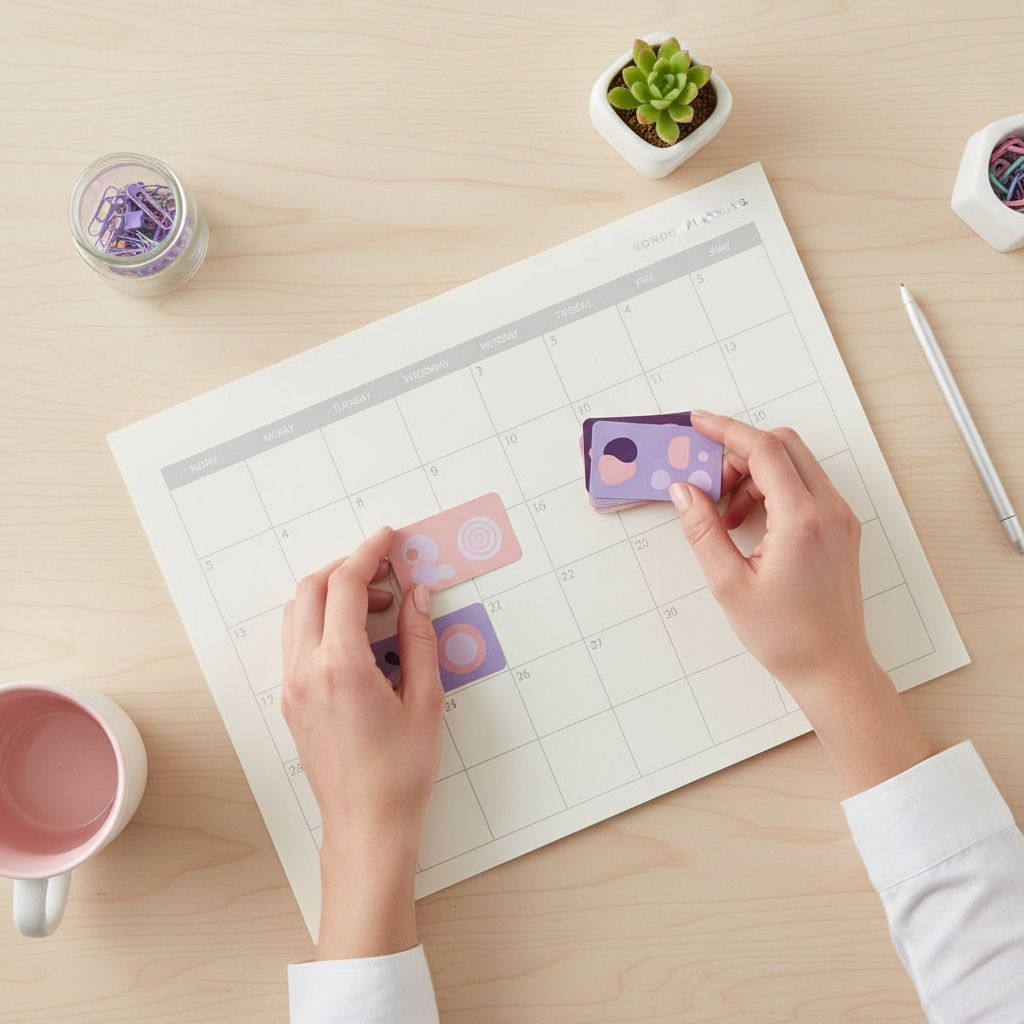
The most common cause of inconsistent posting isn't laziness — it's the daily decision of what to post. A content calendar removes that decision. Here's how to build one that actually gets used.
Start with monthly themes
Choose 3–4 content pillars (see our Instagram strategy guide) and assign each a weekly slot. Example: Monday = educational, Wednesday = behind-the-scenes, Friday = product or offer, Sunday = community. The structure repeats every month, so planning becomes mechanical.
Plan one month in one sitting
Block two hours at the end of each month to plan the next. For each slot, write: the hook, the format, the caption idea, and the CTA. You don't need finished content — you need a decision made in advance. Decisions made calmly beat decisions made at 9pm.
Batch production weekly
Set one production block per week (2–4 hours) to film and design everything for the coming week. Batching removes context switching and dramatically improves quality — you're in 'creator mode' once instead of daily.
Schedule, don't publish manually
Use a scheduler (Later, Buffer, Meta Business Suite, Metricool) to queue the week's content in one session. Manual publishing daily is fragile — one busy day breaks your streak. Scheduled posts keep consistency when life happens.
Leave 20% of slots flexible
Not everything can be planned. Keep one or two slots per week for reactive content: trending topics, community moments, timely announcements. Rigid calendars break; flexible systems survive.
Conclusion
A calendar is a promise you make to future-you. Themes, monthly planning, weekly batching, scheduling — four habits that end the 'what do I post today?' panic for good.